Join 100,000+ business leaders
Subscribe to get our most-popular proposal eBook and more top revenue content to help you send docs faster.

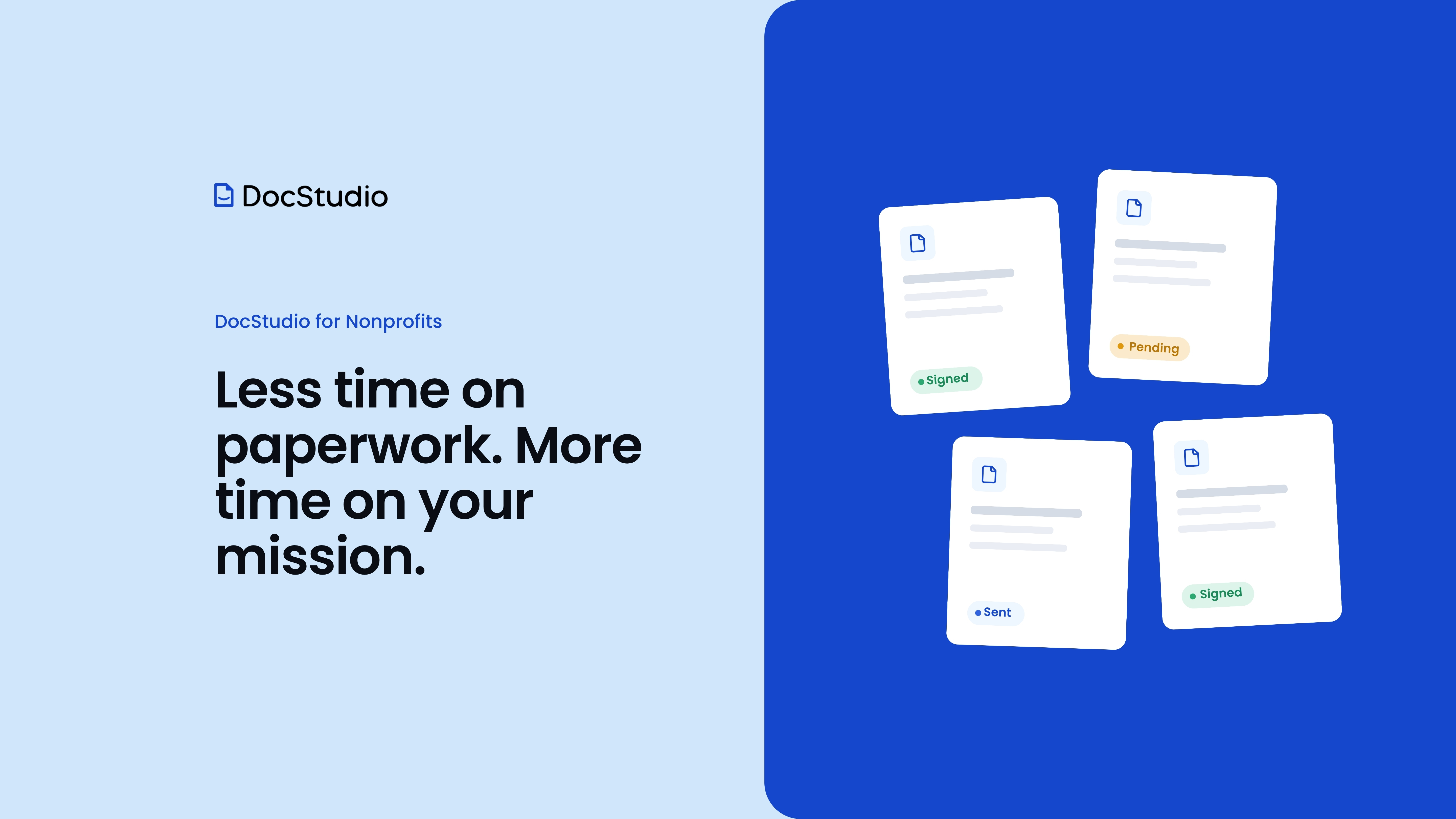


Nonprofits handle an unusually wide range of documents for their size. In a typical organization, you'll find:
When these are handled manually, the same problems repeat across every stream. Information gets retyped into several systems. Documents get lost in inboxes. Staff can't tell at a glance whether a form has been completed or signed. Templates get copied and edited until nobody is sure which version is current. And when an audit or funder request arrives, preparing the evidence becomes a project of its own.
Budgets are tight, so the answer can't be a heavy IT project or a different expensive tool for each problem. It has to be simple to adopt, flexible enough to cover many document types, and secure enough to protect the people who trust you with their information.
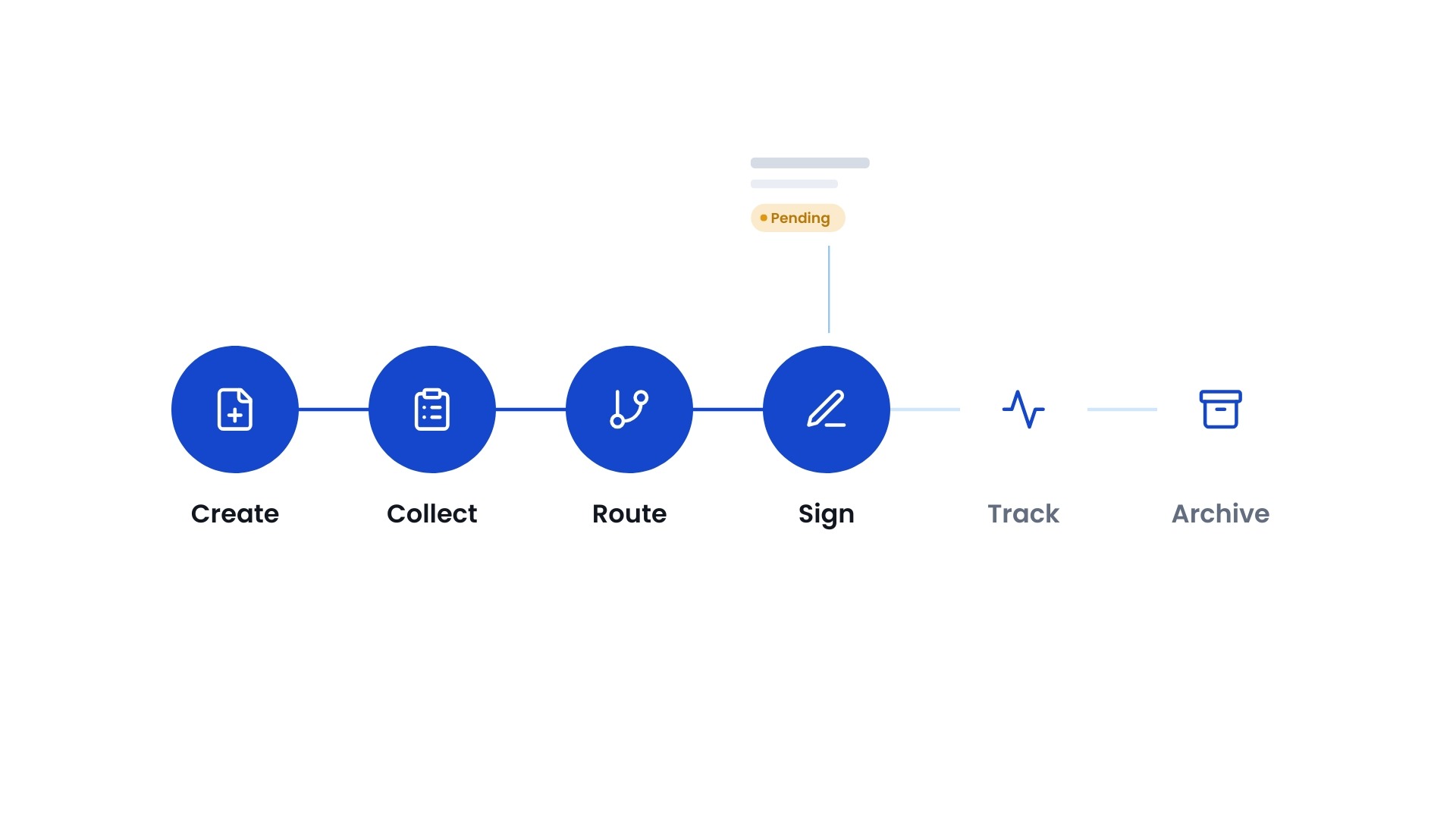
Many tools solve one step of the process. A signature tool handles signing. A form builder handles forms. A file repository stores the results. DocStudio starts from the document itself and manages everything around it:
The result is that a document is no longer a file that gets emailed around. It's part of a connected process that your team can see, manage, and measure.
The strength of a platform like this shows up in everyday scenarios. Here's how DocStudio supports the document streams most nonprofits share.
Volunteers. Volunteer onboarding often means many people completing forms in a short window, whether for a seasonal program, a community event, or ongoing recruitment. With DocStudio, applications can show only the questions relevant to each volunteer role. Volunteers complete and sign from any device, and missing documents trigger automatic reminders. Coordinators can see who is fully onboarded and who still has forms outstanding, and renewals such as annual waivers can be handled through the same process. Sensitive details like background check consents stay accessible only to authorized staff.
Programs and participants. Enrollment agreements, intake forms, consent forms, and orientation packets can be bundled into a single package, so a participant reviews and signs everything in one session instead of juggling several emails. The same template logic that adapts a volunteer application to a role can adapt an intake form to a program, so staff maintain one consistent set of templates rather than many near-duplicates.
Donors and grants. Pledge agreements, gift acknowledgments, and in-kind receipts follow approved templates and are generated using donor data, rather than being edited by hand from last year's letter. Signed agreements stay connected to the right record. For grants, the application, supporting documents, approvals, and reports are collected through a structured process and archived together, so the team can answer a funder's question without searching through personal inboxes.
HR. From offer letters and onboarding packets to handbook acknowledgments and offboarding documents, HR can run each stage through a defined workflow. New hires receive a complete packet in one place, incomplete tasks generate reminders, and every action is recorded. Where single sign-on is in use, access can follow the same identity system the organization already uses.
Compliance and governance. Board minutes, resolutions, conflict-of-interest disclosures, policies, insurance certificates, and contracts all benefit from the same foundation: clear ownership, current versions, scheduled reminders, and a complete history of who created, reviewed, approved, and signed each document. When a board member, auditor, or funder asks for a record, the answer is in one place.
One of the most common concerns nonprofits raise is, "We've already invested in our CRM and other systems. Do we have to replace them?" The answer is no.
Your fundraising platform, HR system, CRM, and case management software hold valuable data. Document management connects the work between them. DocStudio can generate documents using data from your existing systems, collect information through secure forms, route documents through approvals and signatures, and store the completed records where they're easy to find. Information that's already in your systems doesn't need to be typed again, which reduces errors and saves staff time.
DocStudio has native integration with with Salesforce and Creatio, and offers API options for connecting with other platforms. That makes it a practical fit whether your organization runs a full CRM or is still building out its technology stack. You can start using DocStudio on its own and connect it to other systems as your needs evolve.
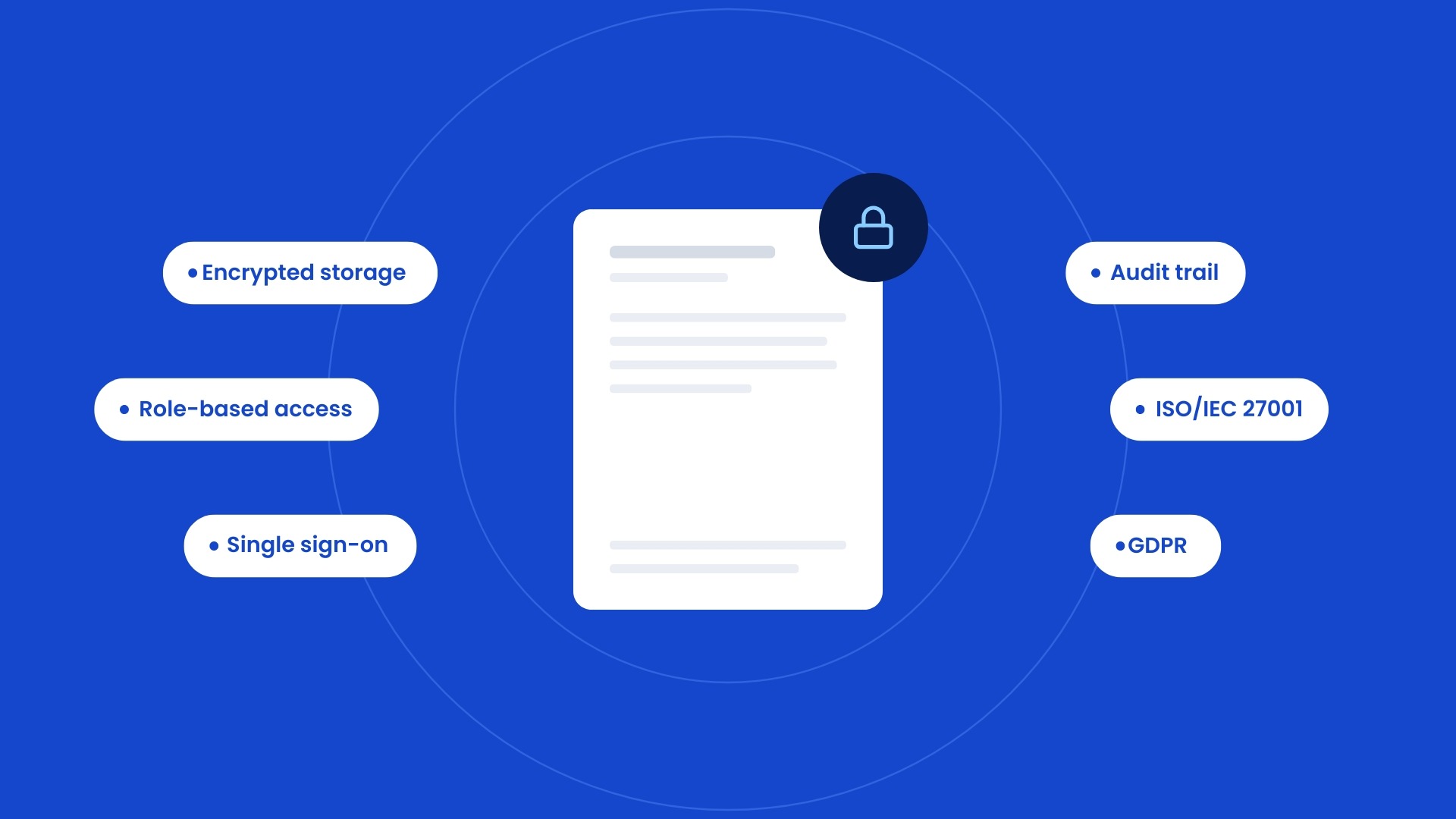
Nonprofits hold some of the most personal information there is: details about volunteers, program participants, beneficiaries, and donors. Protecting it is part of earning and keeping trust.
DocStudio supports that responsibility with:
The platform is built on recognized security standards, including ISO/IEC 27001 and GDPR. For a nonprofit, this also supports accountability: you can demonstrate to funders, boards, and regulators that your document processes are consistent, controlled, and traceable.
Most nonprofit teams are small, and most can't afford a long implementation. That's why a good starting point is a single process, not the whole organization.
Many organizations begin with the workflow that causes the most friction, such as volunteer onboarding, participant intake, or HR onboarding. They set up a handful of templates, configure the workflow, and let the team get comfortable. From there, it's straightforward to add more programs, departments, and document types, using the same templates, permissions, and archive.
This approach has a few practical benefits:
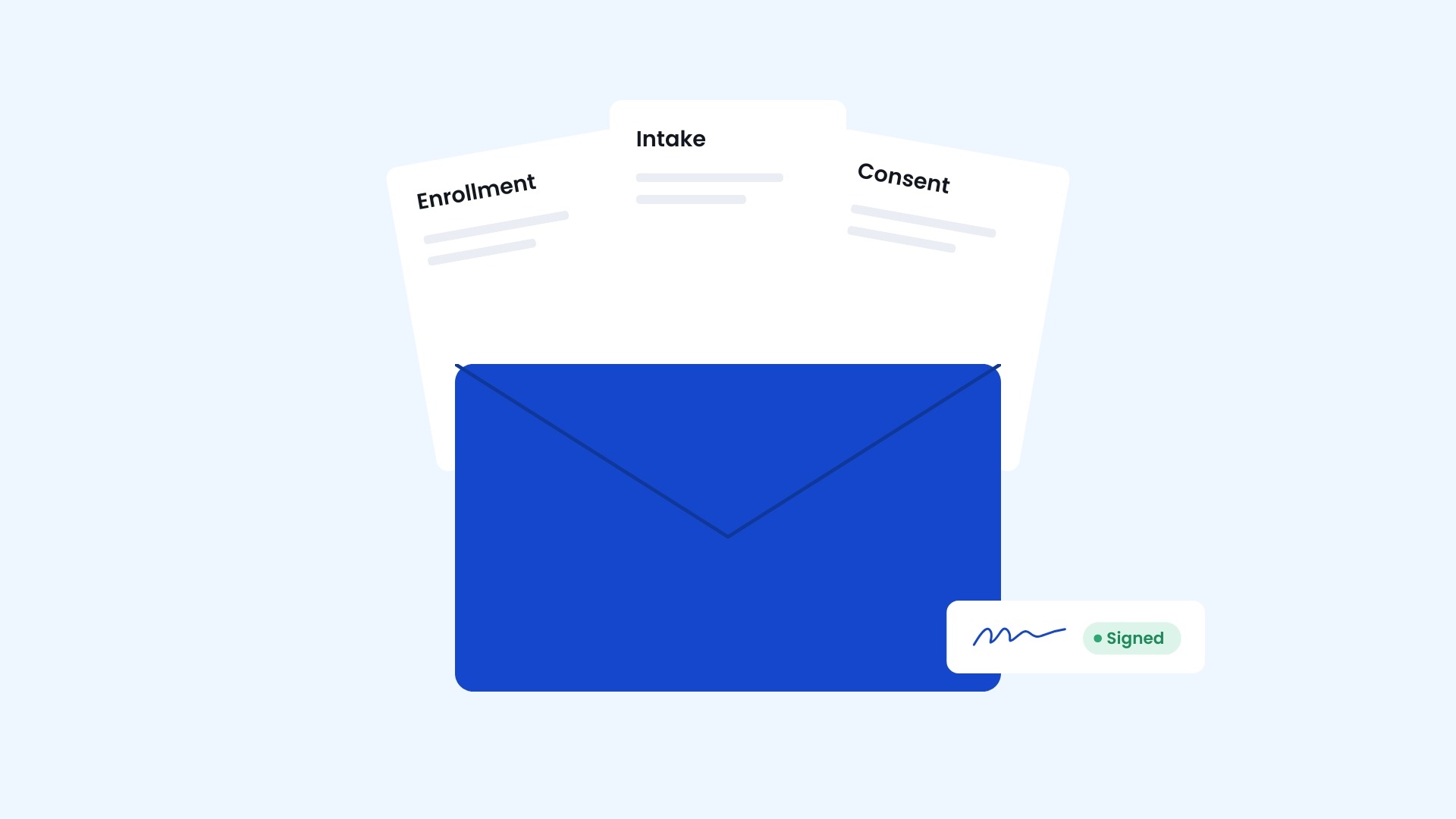
MERS Goodwill, a Missouri-based nonprofit that helps individuals build skills, find employment, and achieve long-term economic independence, is a good example of how this looks in practice.
The organization manages a wide variety of participant and employee documents across multiple programs and departments, from enrollment, intake, and consent forms to HR and operational documentation. It initially relied on electronic signatures, but as its processes grew, it needed a platform that could standardize document creation, automate workflows, and centralize management across the organization.
With DocStudio, MERS Goodwill converted its existing templates into structured, reusable ones and organized them into program-specific mailboxes. Participants receive documents by email and sign without creating an account. Related forms can be sent together in a single envelope with one signing experience. Staff gain real-time visibility into document status, and completed documents are stored in a searchable archive with signing certificates and audit trails.
The same platform also supports internal processes such as HR documents, approvals, and employee acknowledgments, with single sign-on and role-based permissions keeping access consistent and secure.
The takeaway is that a nonprofit can begin with a focused need and grow into a broader document management foundation, one program at a time. You can read the full story here: Customer Story: Transforming Document Management and E-Signature Workflows for MERS Goodwill.
If you're considering how to improve your document processes, a few simple questions can help you decide where to begin:
The answers usually point to one clear starting workflow. If you want a more structured review, our Nonprofit Document Management Checklist for 2026 walks through grants, volunteers, donors, HR, and compliance, and helps you spot where standardization, automation, and security can make the biggest difference.
Your team's time is best spent on the people and communities you serve, not on chasing signatures and retyping forms. DocStudio gives nonprofits a single place to create documents, collect information, automate approvals, sign, and archive, while continuing to use the systems you already have.
Ready to see what that looks like for your organization? Start free and explore how DocStudio works with your own documents, or book a demo and we'll walk through your workflows together.
Less time on paperwork. More time on your mission.